Mobile appsApps for installers and end users
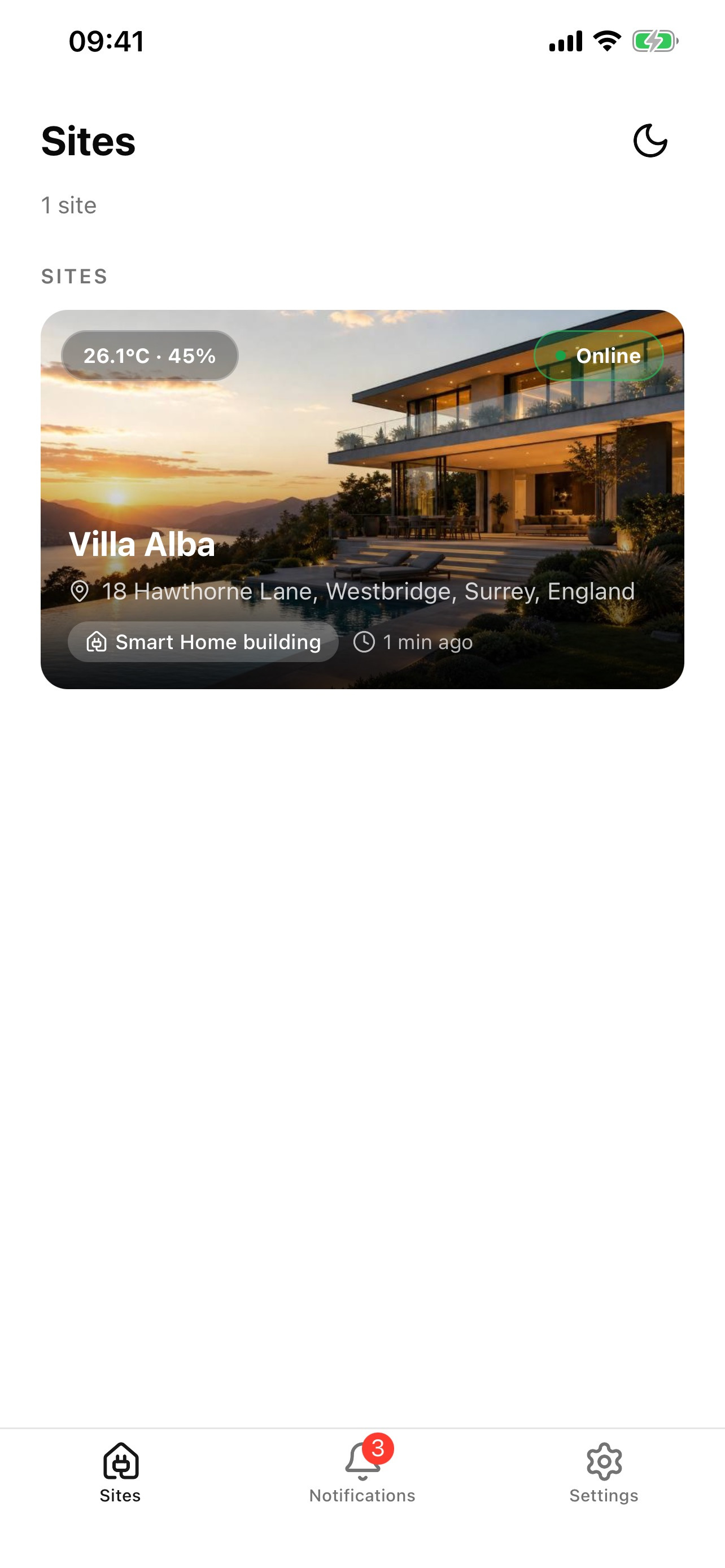
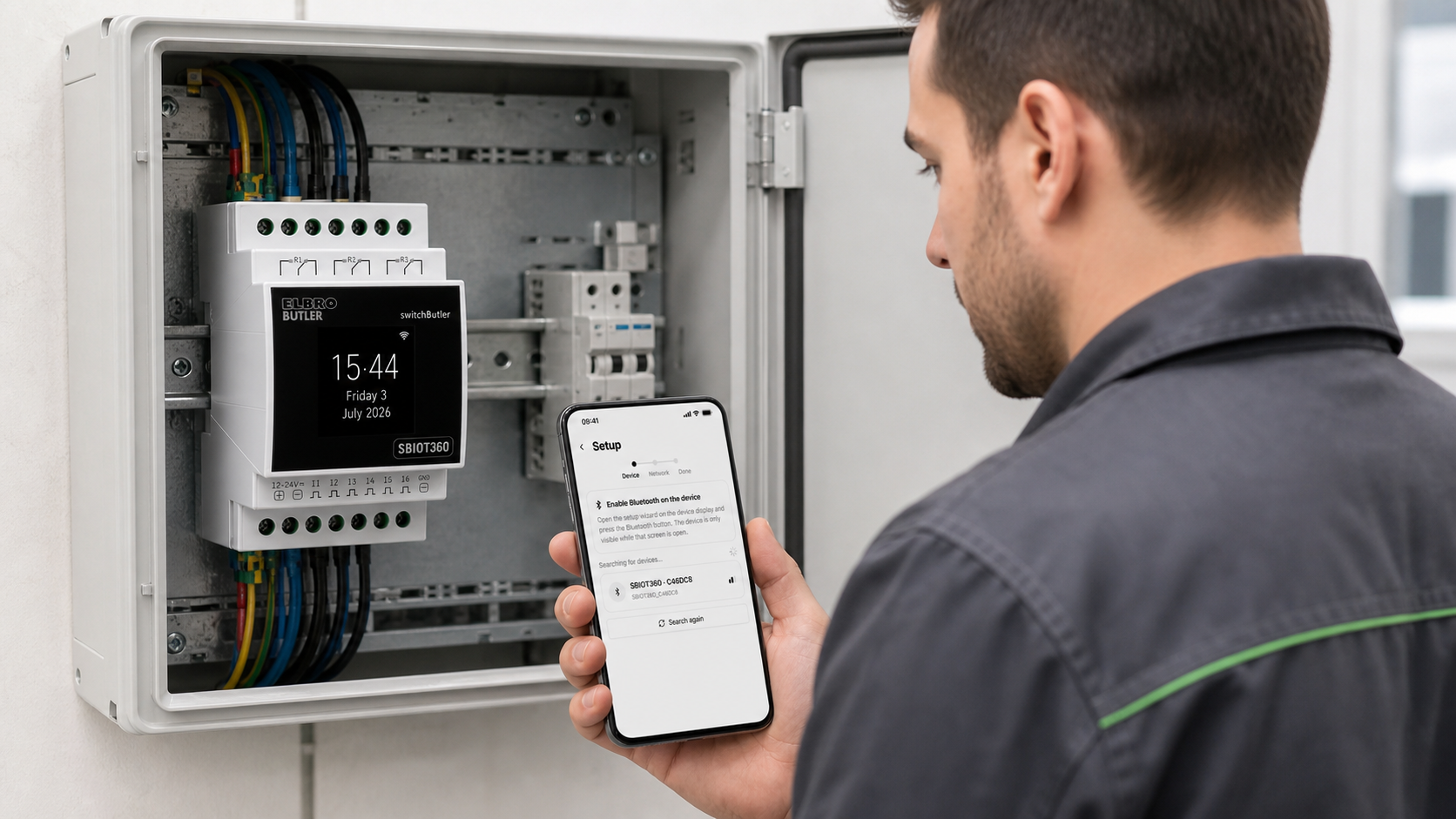
switchButler IoT Setup guides installers through on-site device commissioning. switchButler IoT gives end users access to their assigned installations and enabled functions.
 AI-generated illustrative image; some details may differ from reality.
switchButler IoT Setup
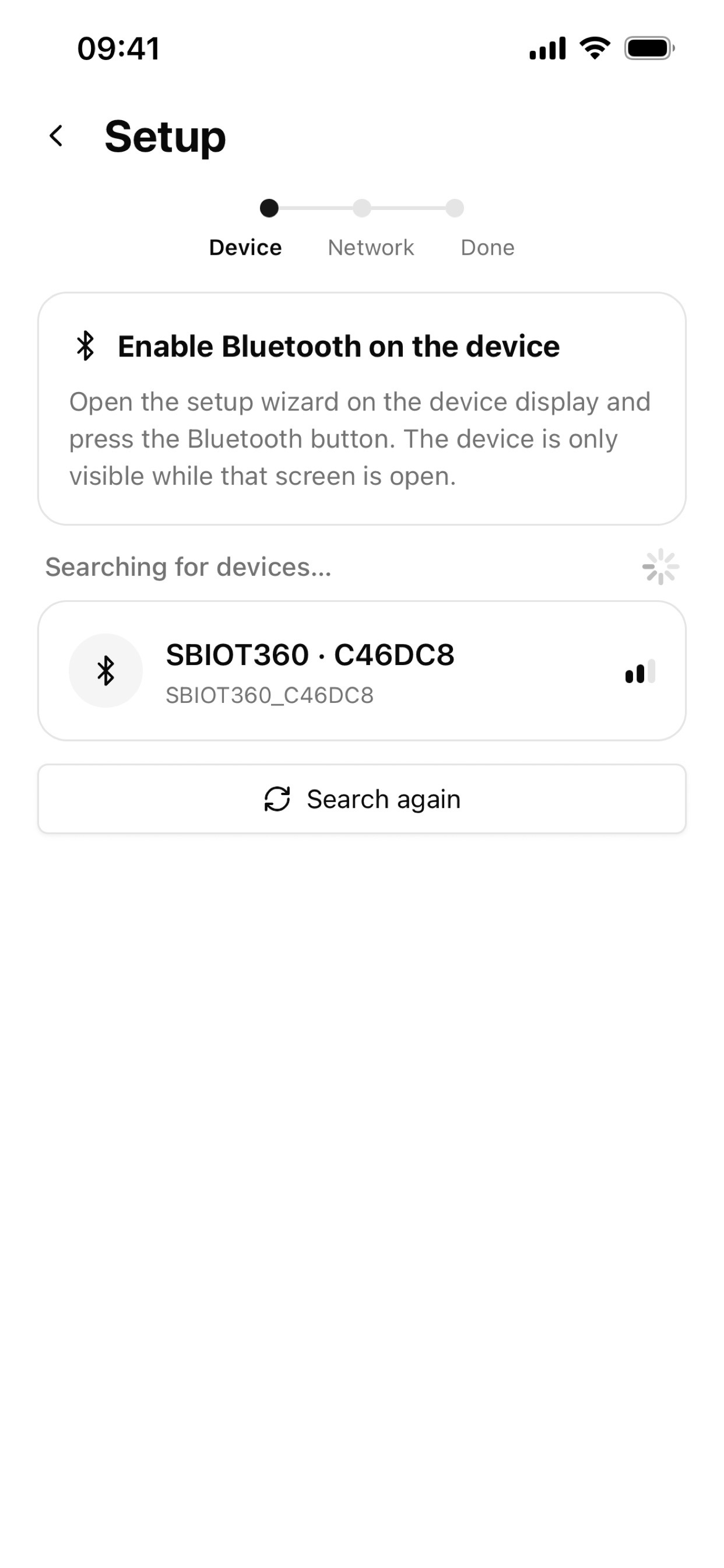
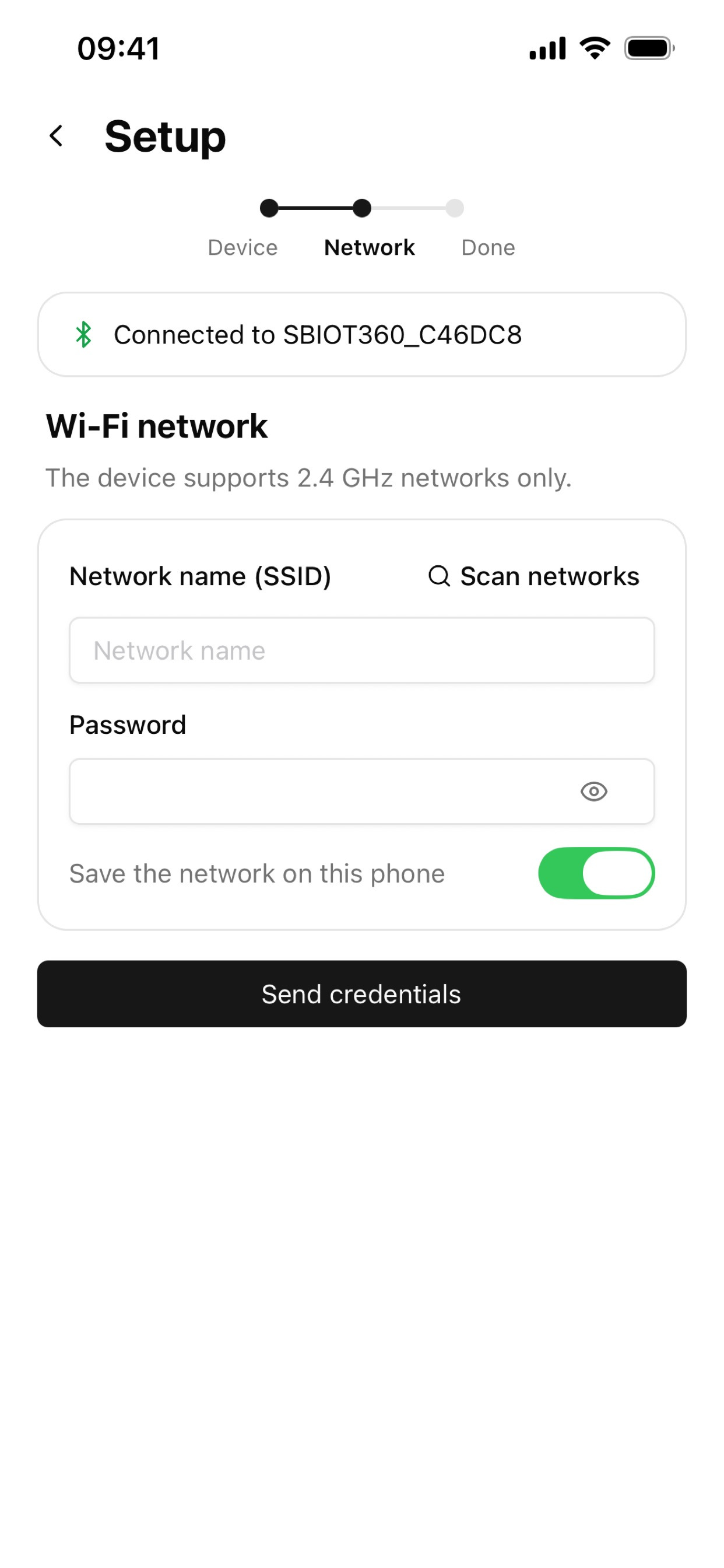
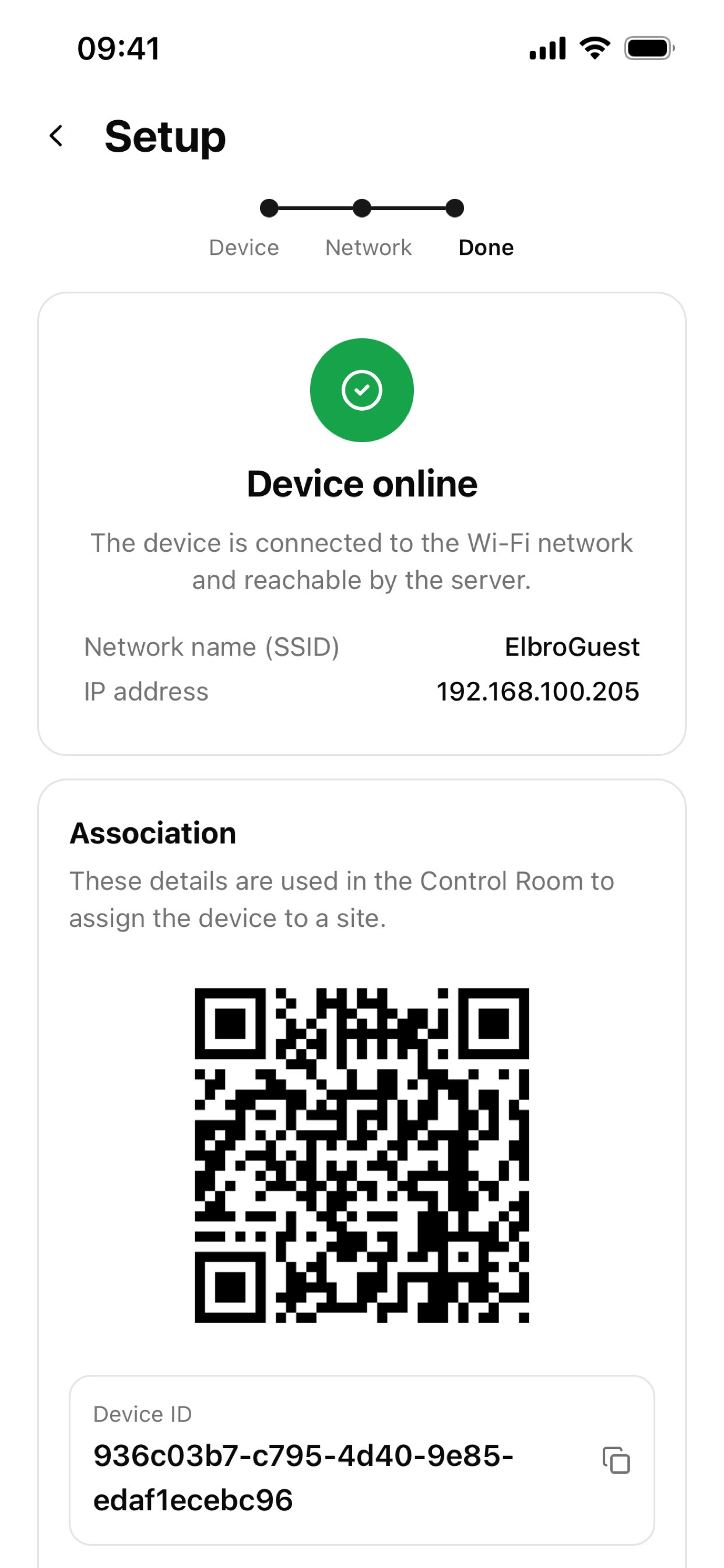
It is used near the device. The app finds SBIOT360 and SBIOT240 over Bluetooth, transfers 2.4 GHz Wi-Fi credentials and verifies that the service connection is active.
On-site commissioning
From device to network
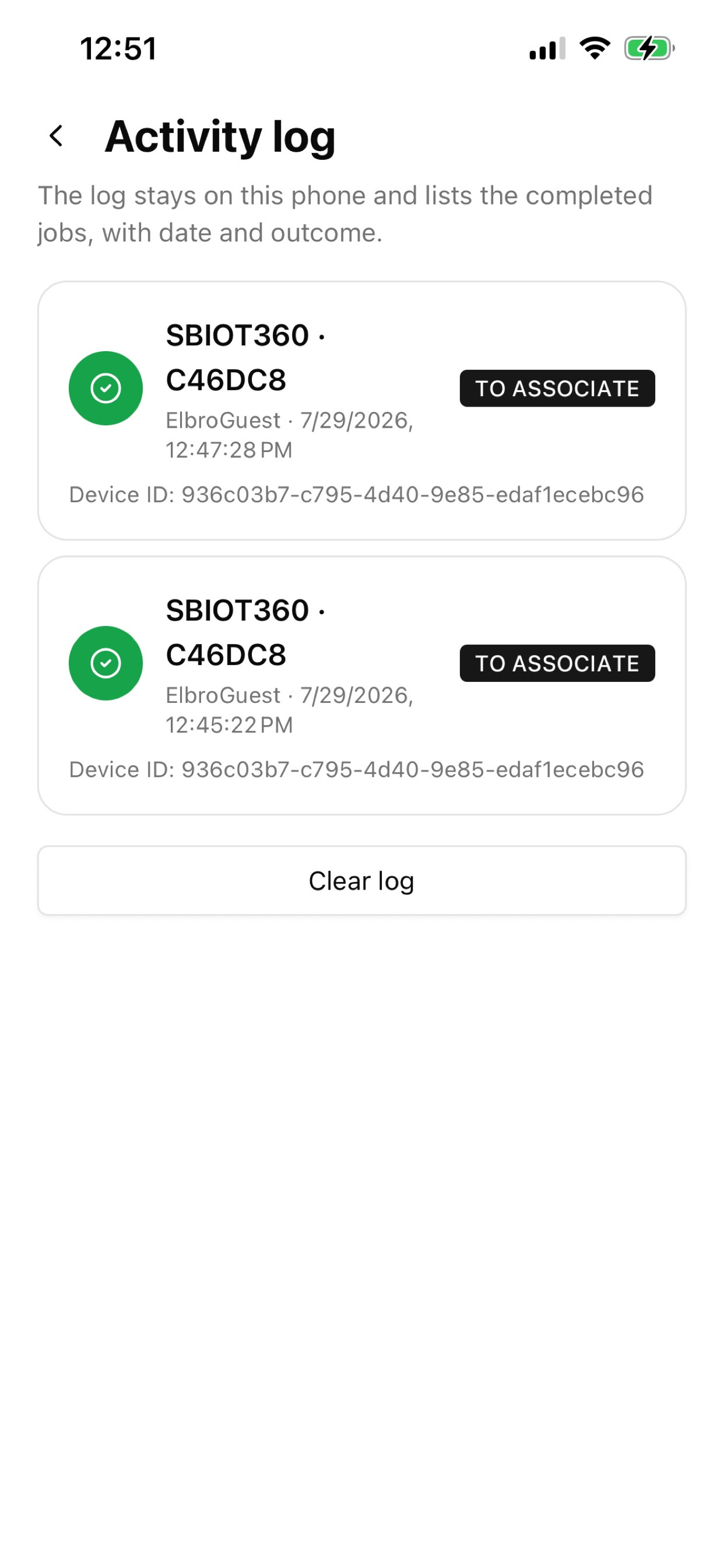
The installer completes the essential connectivity steps beside the electrical panel and immediately confirms that the device is ready to be associated with its installation.
 AI-generated illustrative image; some details may differ from reality.
 AI-generated illustrative image; some details may differ from reality.
switchButler IoT
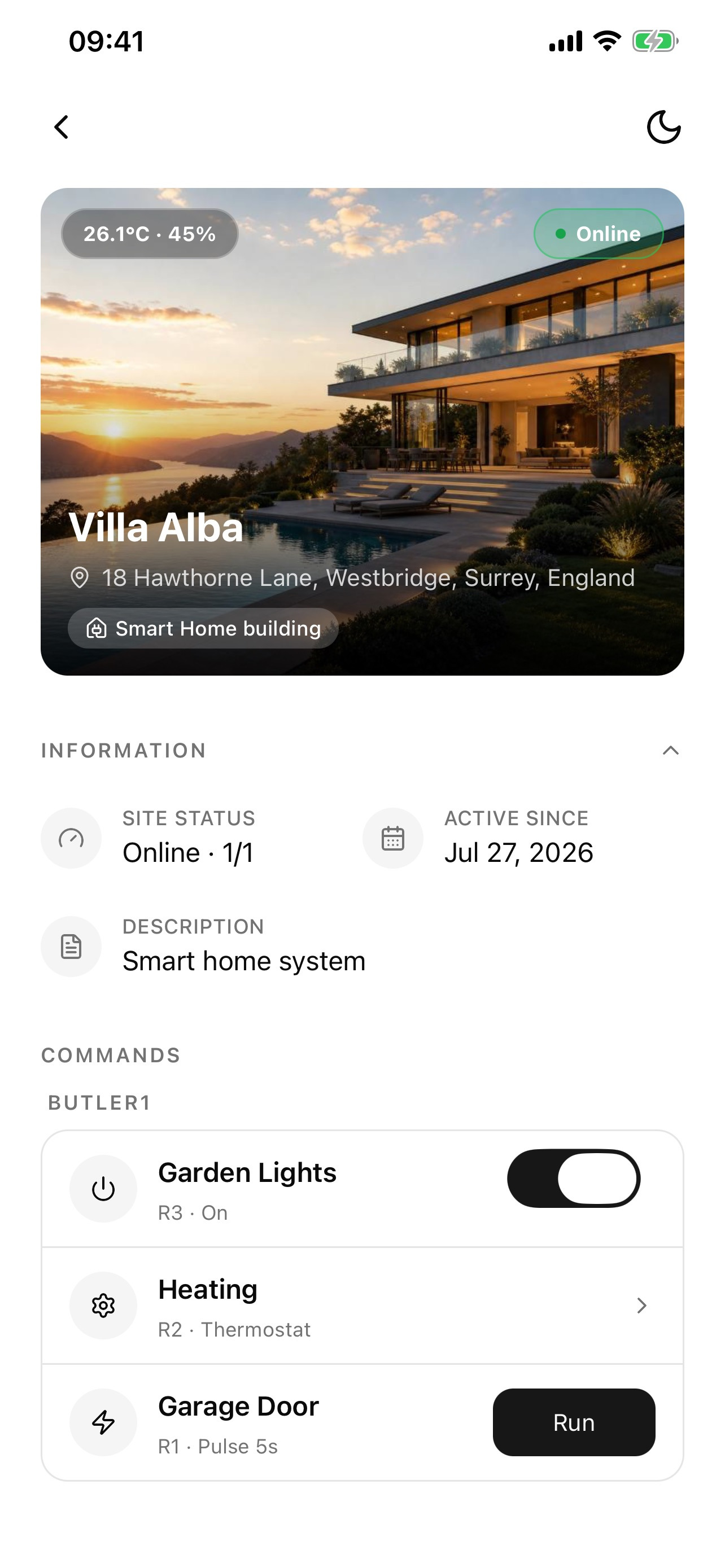
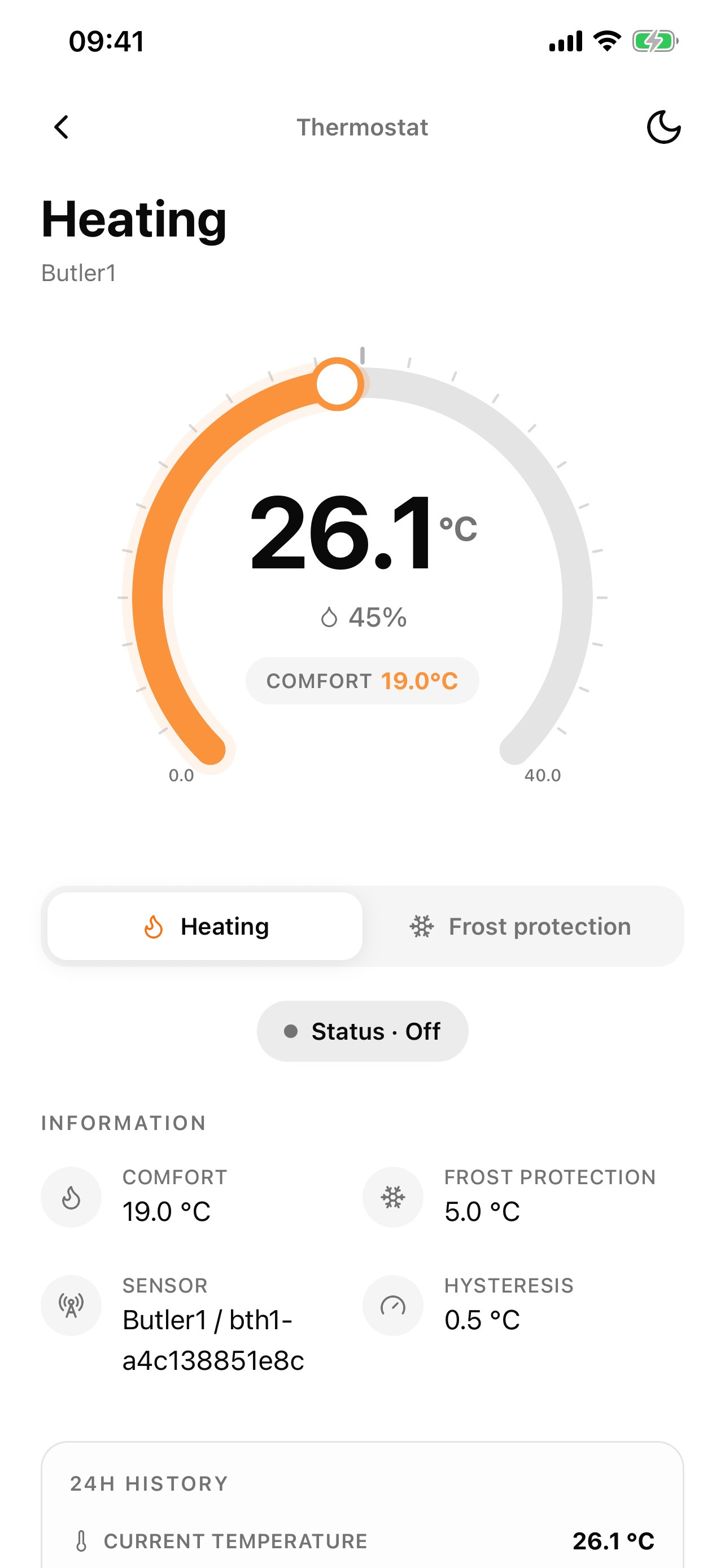
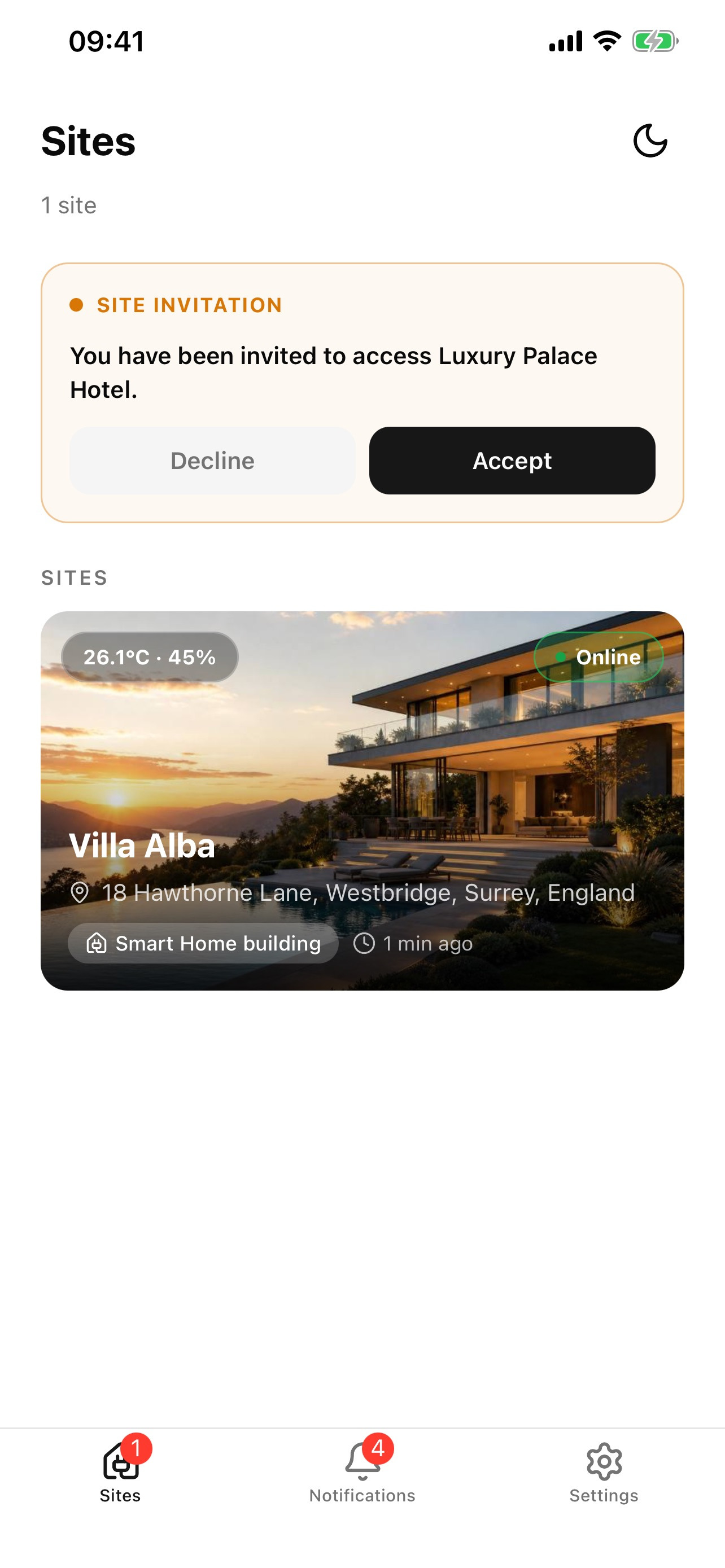
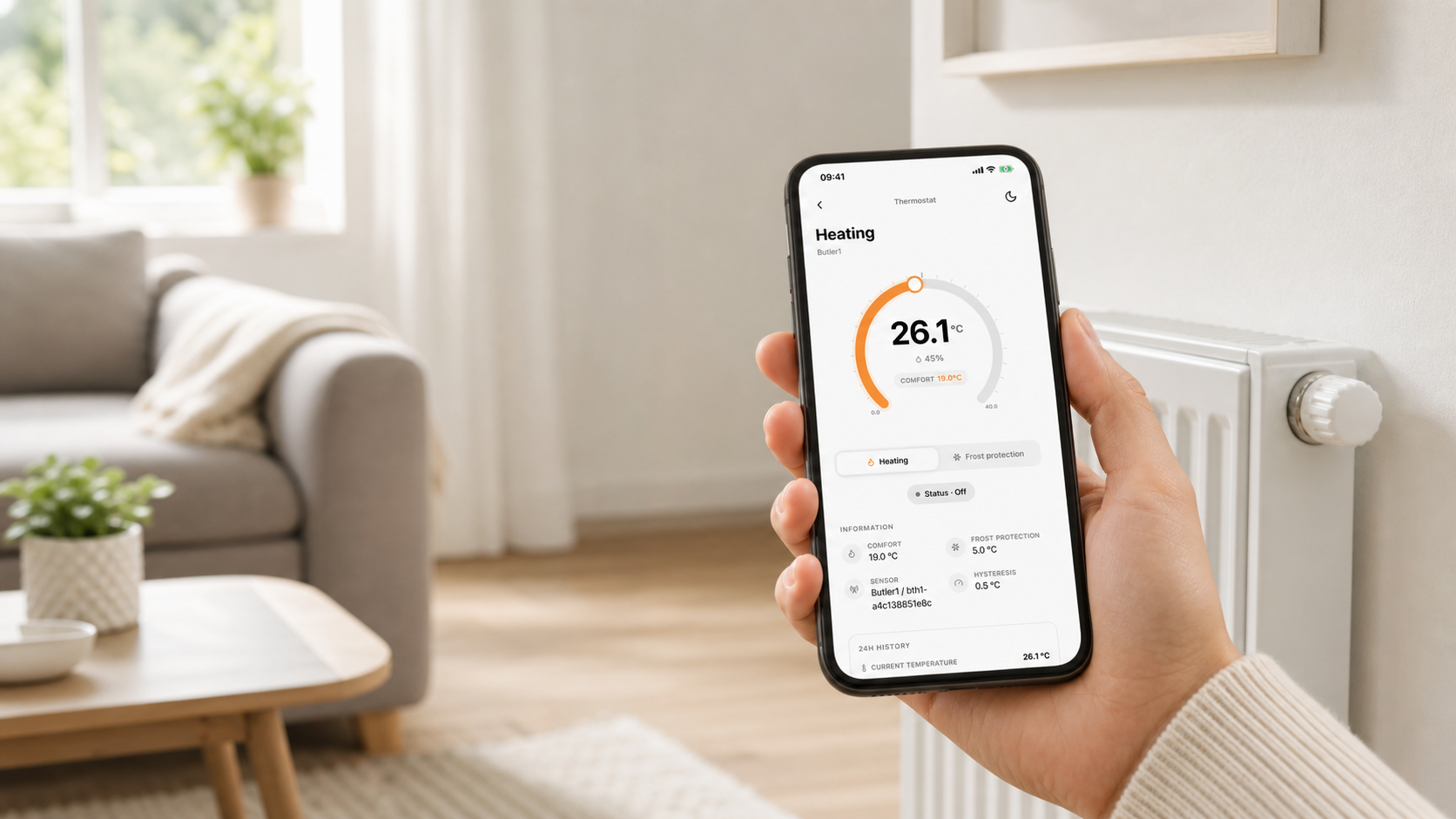
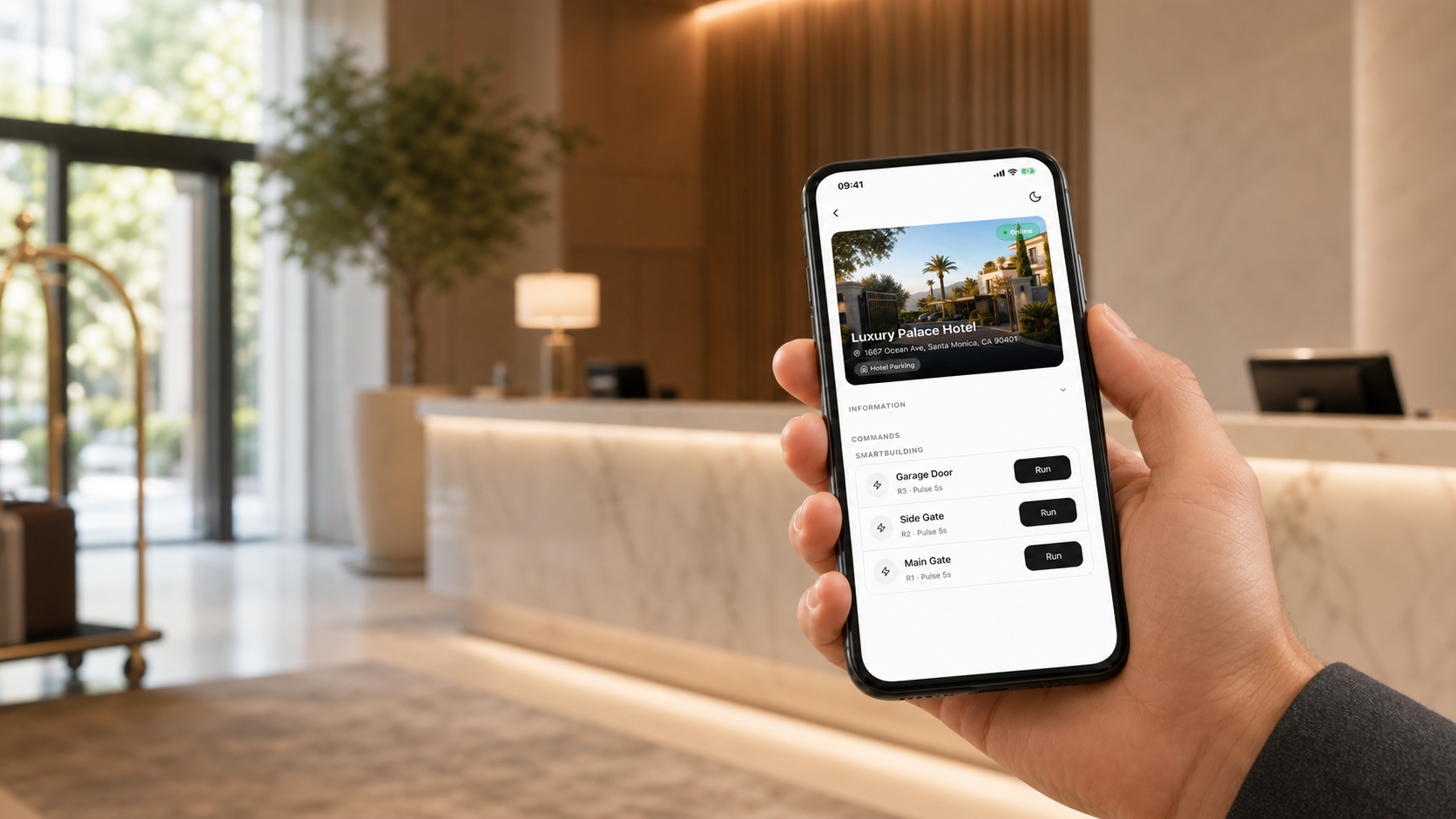
It brings every installation assigned to the user into one app. Owners, maintenance staff, operators and other authorized users can check status, use available controls, manage heating and receive notifications.
Home and private properties
Keep a home, holiday property or private building close at hand. Check its status and use the functions made available to you, from heating and lighting to gates and other configured controls.