
Remote control and management for electrical installations.
switchButler IoT combines SBIOT equipment and a platform to acquire installation states and measurements, manage events and enable remote commands. Customers access their assigned functions; installers and maintenance providers configure and monitor installations with professional tools.
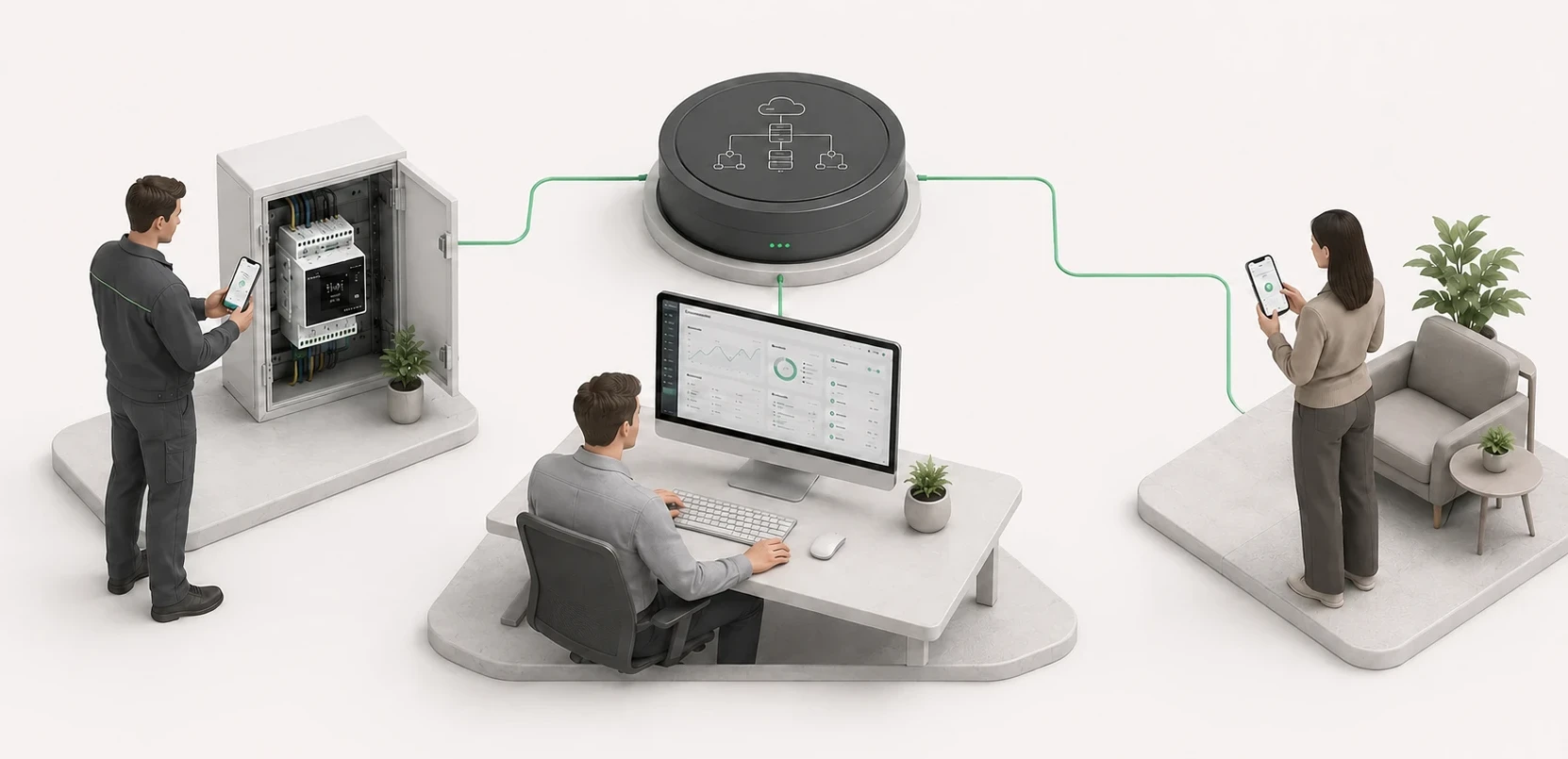
- Installation states and measurements available remotely.
- Commands, events and notifications based on the installation configuration.
- Separate functions and permissions for every user.
From installation signals to remote management.
SBIOT controllers acquire the installation signals and make them available on the switchButler IoT platform. Installers and maintenance providers manage installations on the platform; customers use their assigned functions in the App.
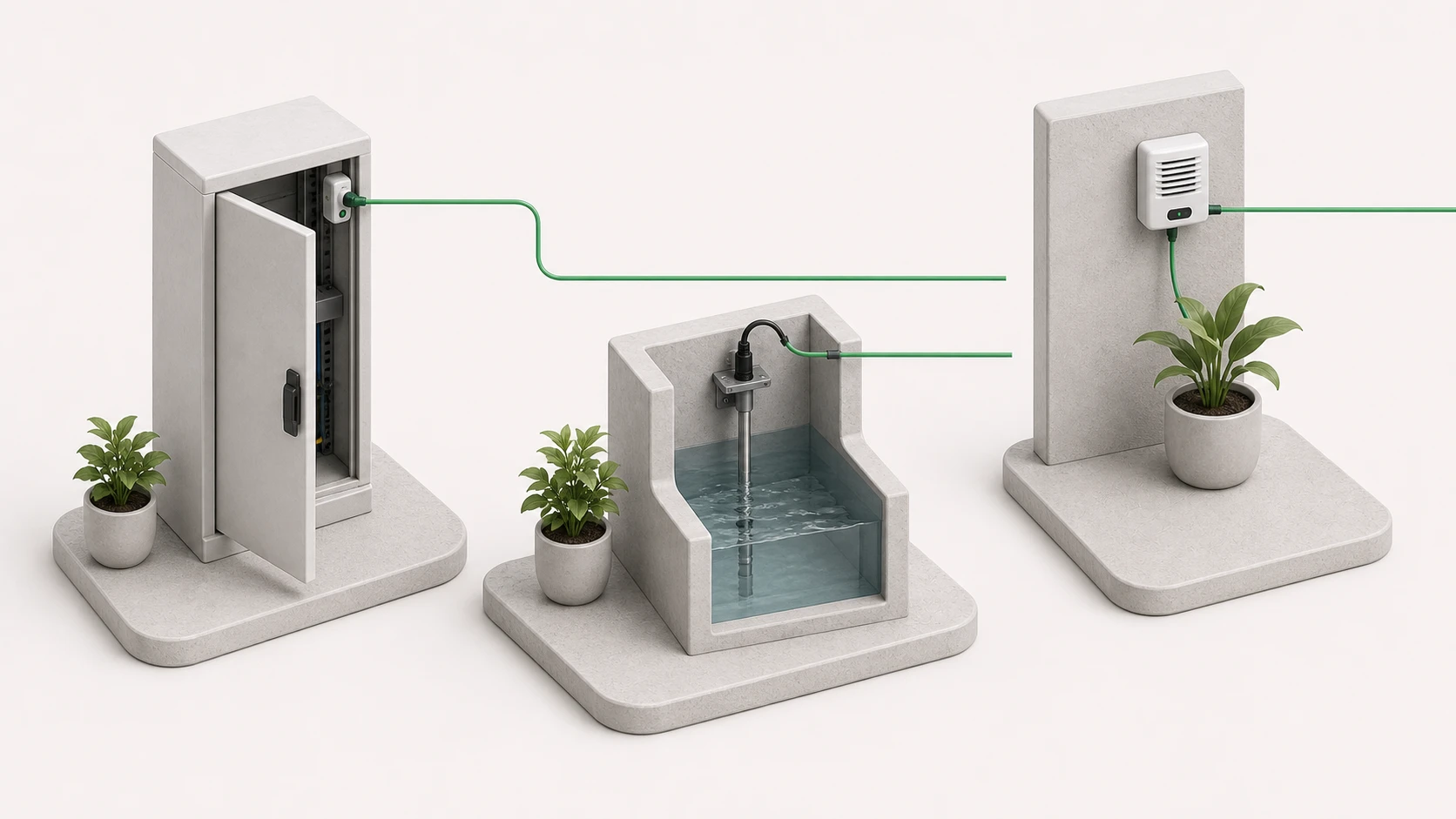
Installation signals
Digital contacts, power conditions and, with SBIOT360, BTH1 measurements.
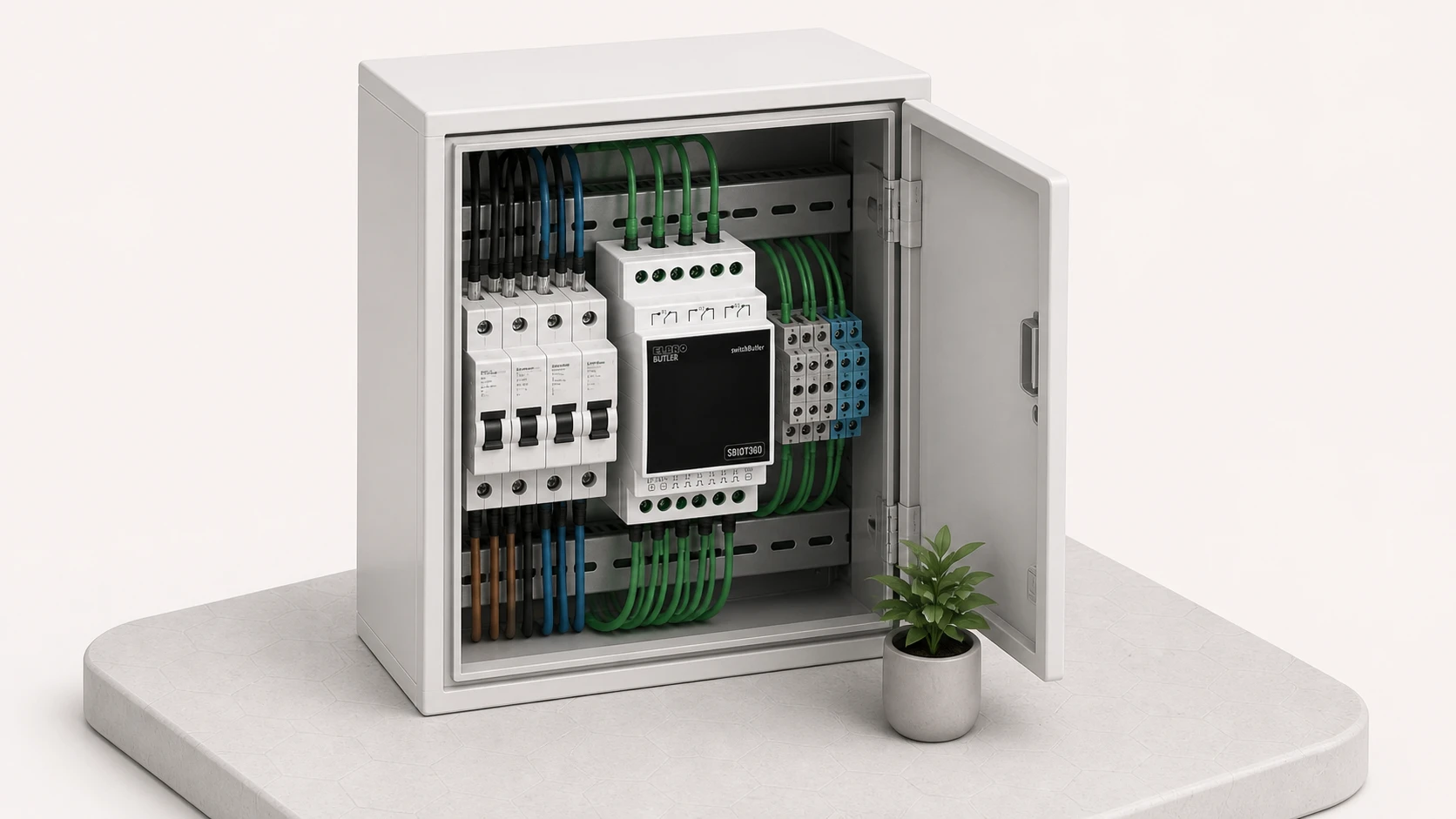
SBIOT controllers
They acquire signals, operate configured outputs and communicate with the platform.
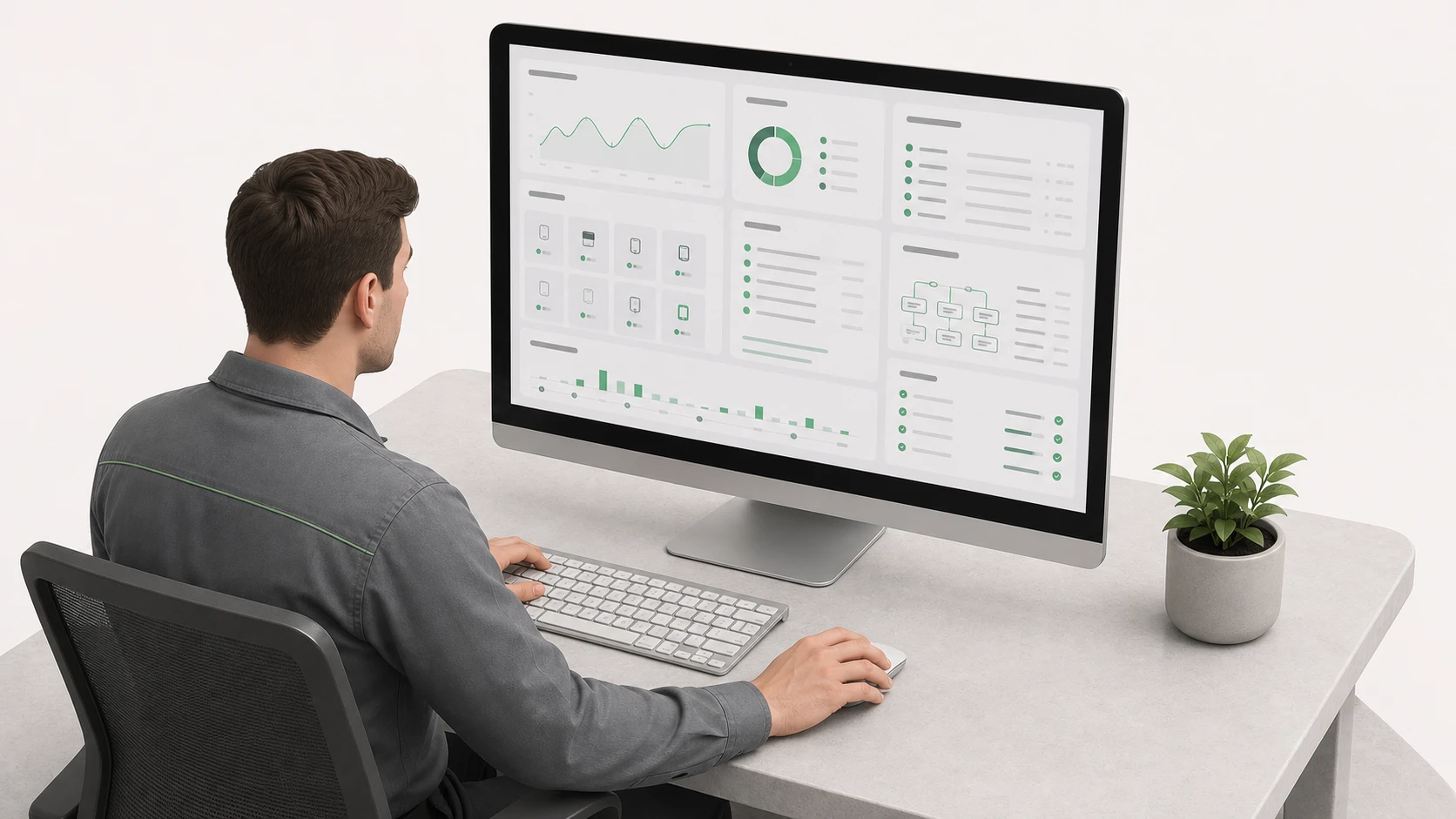
switchButler IoT platform
The professional tool for configuring and monitoring installations, users, events, Links and history.

switchButler IoT App
Customers can view assigned installations, use authorised commands and receive configured notifications.
For those who use the installation and those who look after it.
The same installation can be used by the customer and monitored by a professional. Each person works with tools and permissions suited to their responsibilities.
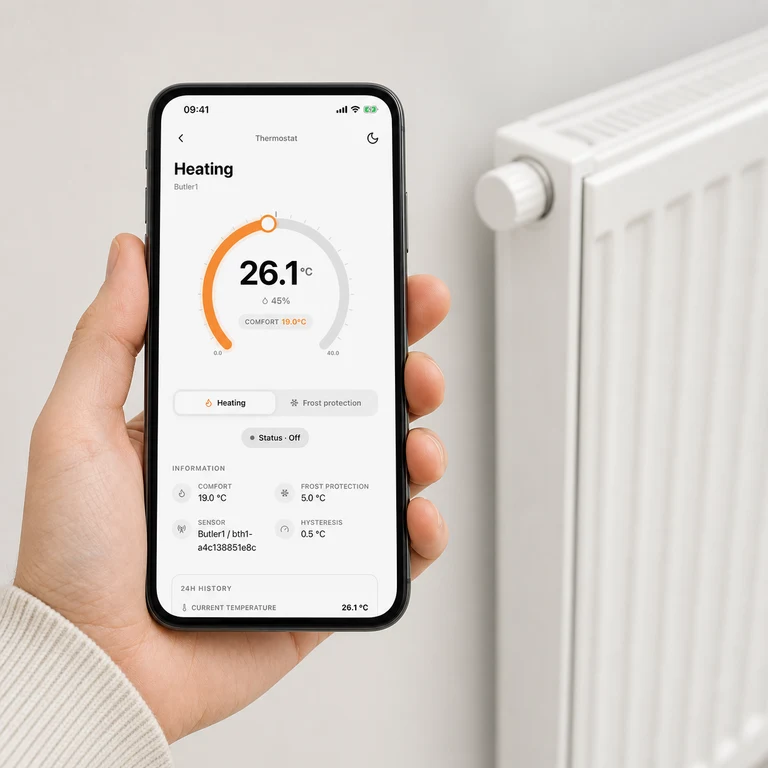
The customer
In the app, customers can view the status of assigned installations, use authorised commands and receive configured notifications. A simple installation may provide a single function, such as enabling the heating.
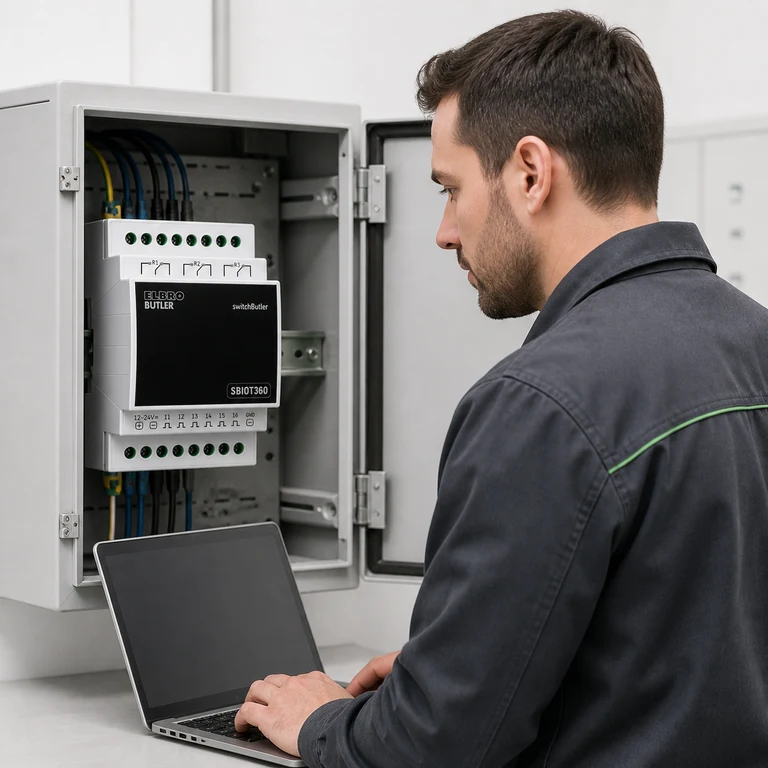
The installer or maintenance provider
On the switchButler IoT platform, professionals can configure installations and devices, define inputs and outputs, create Links, manage access and review events and operational history. They can monitor one installation or several installations belonging to different customers.
The same system for different installations and needs.
These examples show some possibilities. Available functions depend on the signals, loads and configuration provided by a qualified professional.
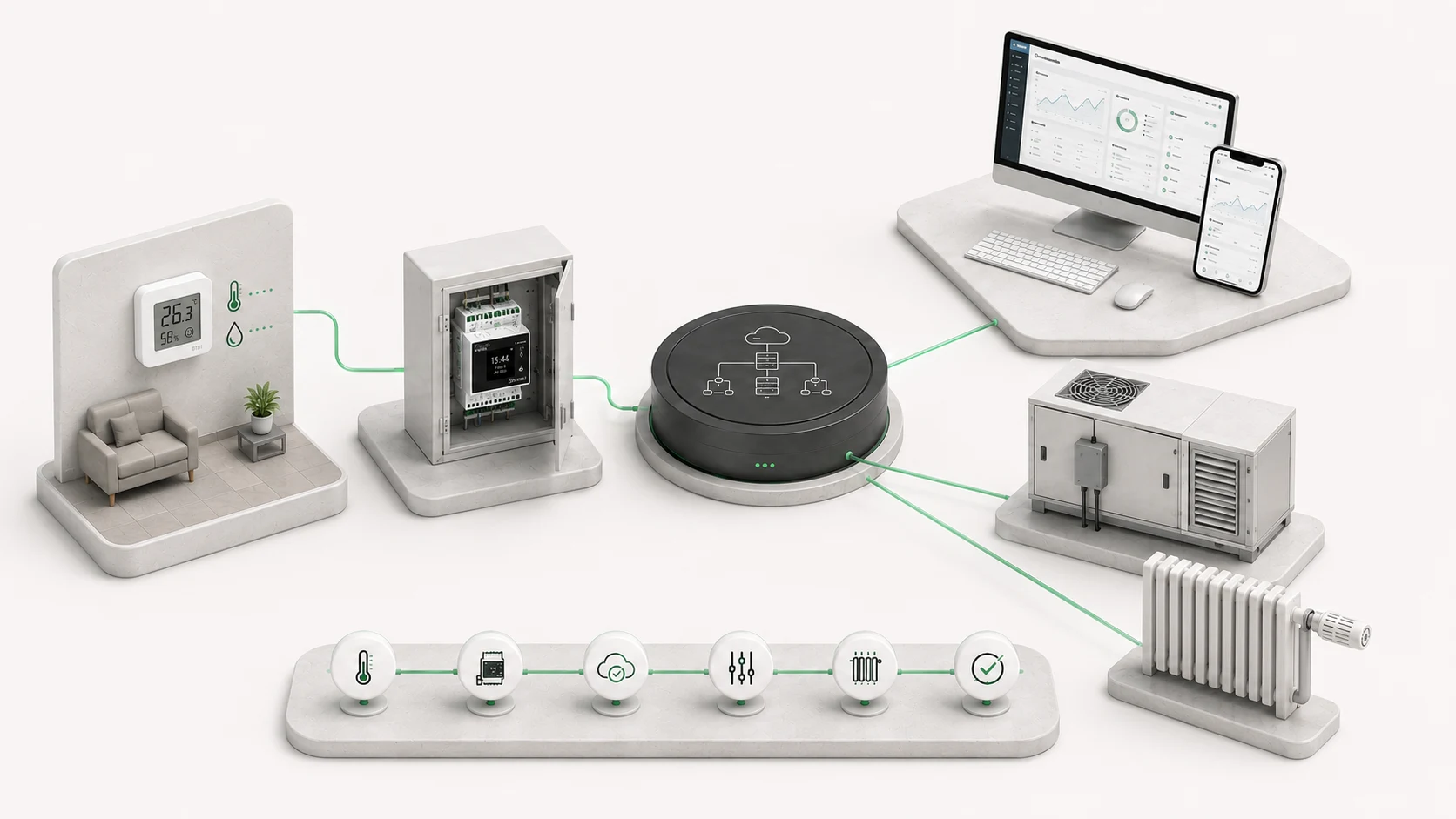
Heating and technical rooms
A customer can use an assigned function, such as enabling the heating. On SBIOT360, a BTH1 measurement can be used by a configured thermostat; sensor loss or a configured threshold can generate an event.
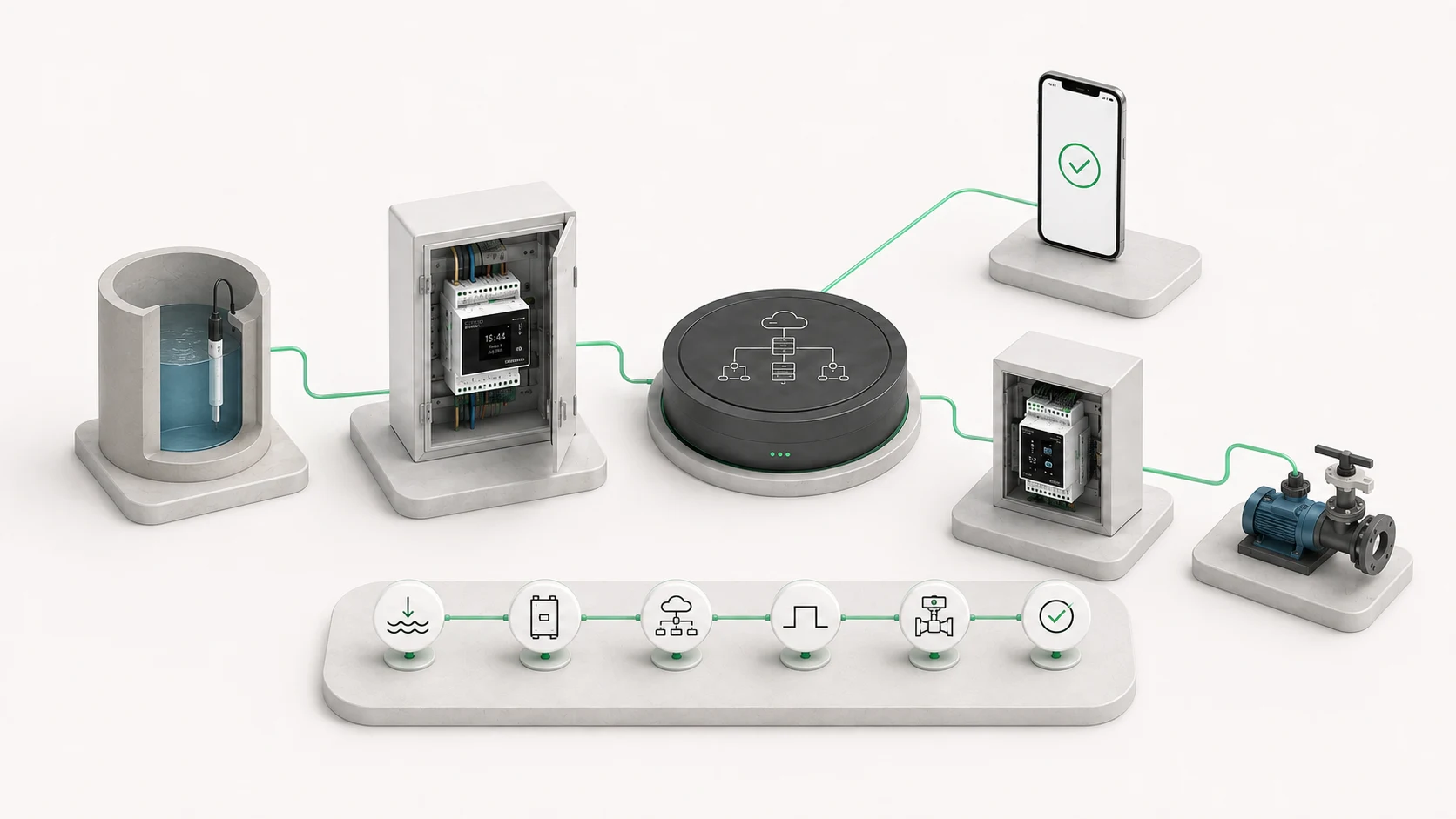
Water levels and pumping
A level contact can generate an event and, through a configured Link, command an output on the same controller or on another SBIOT in the same installation. The available information can help plan a visit before travelling to the site.
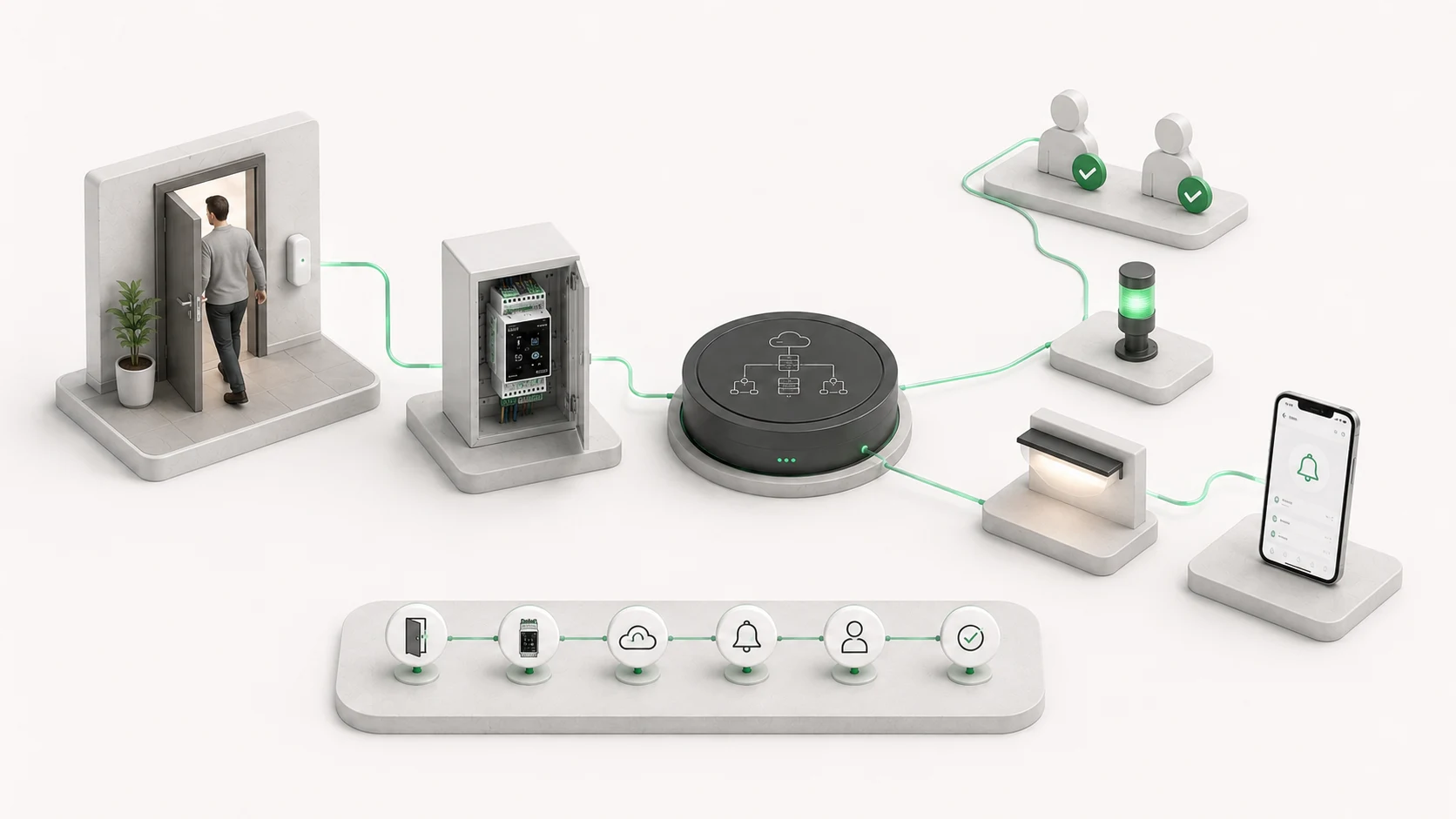
Access and signalling
A position contact can generate an event, operate an assigned output and, when a notification is configured, inform authorised users.
Remote links between inputs and outputs (M2M)
The Link function can associate one input with one or more outputs connected to SBIOT controllers, even when they are installed in different locations. When the configured condition occurs, switchButler IoT automatically transmits the command over the Internet without user intervention. The output behaviour is defined by the installer according to the required function.
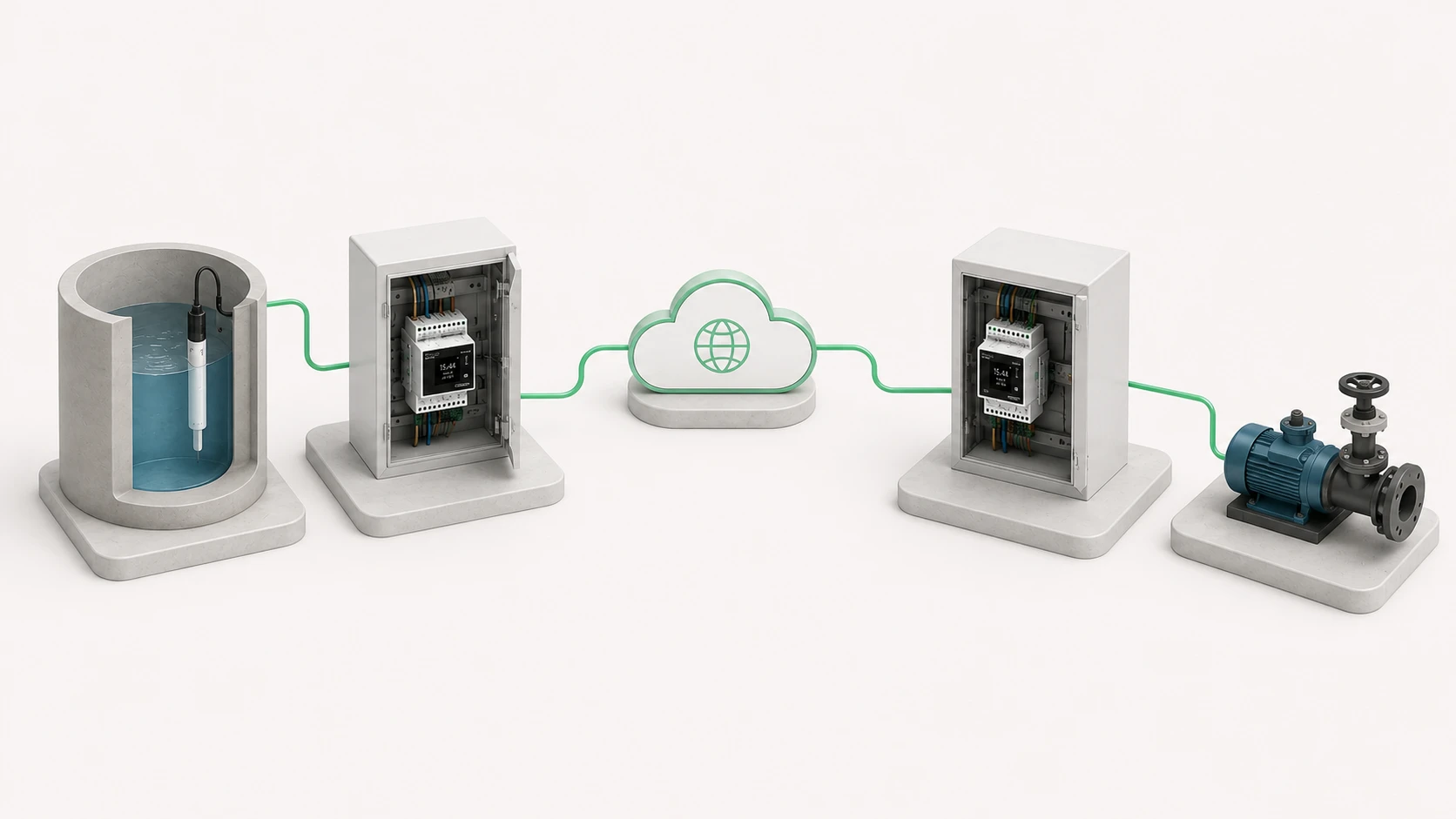
Level control
A sensor can start or stop a pump installed at another location.
Remote command
A push button can switch on a light, activate a signal or open a gate remotely.
Three interfaces, three different responsibilities
Commissioning, professional management and everyday use are separate workflows, so each person uses the tool appropriate to their role and location.